반응형
[VSCode] Get-command 로 명령어 타입 찾기
Get-Command python 명령은 PowerShell에서 python이라는 명령어가 무엇이고, 어디에 있는지, 어떤 타입의 명령인지를 확인할 때 사용하는 명령입니다.
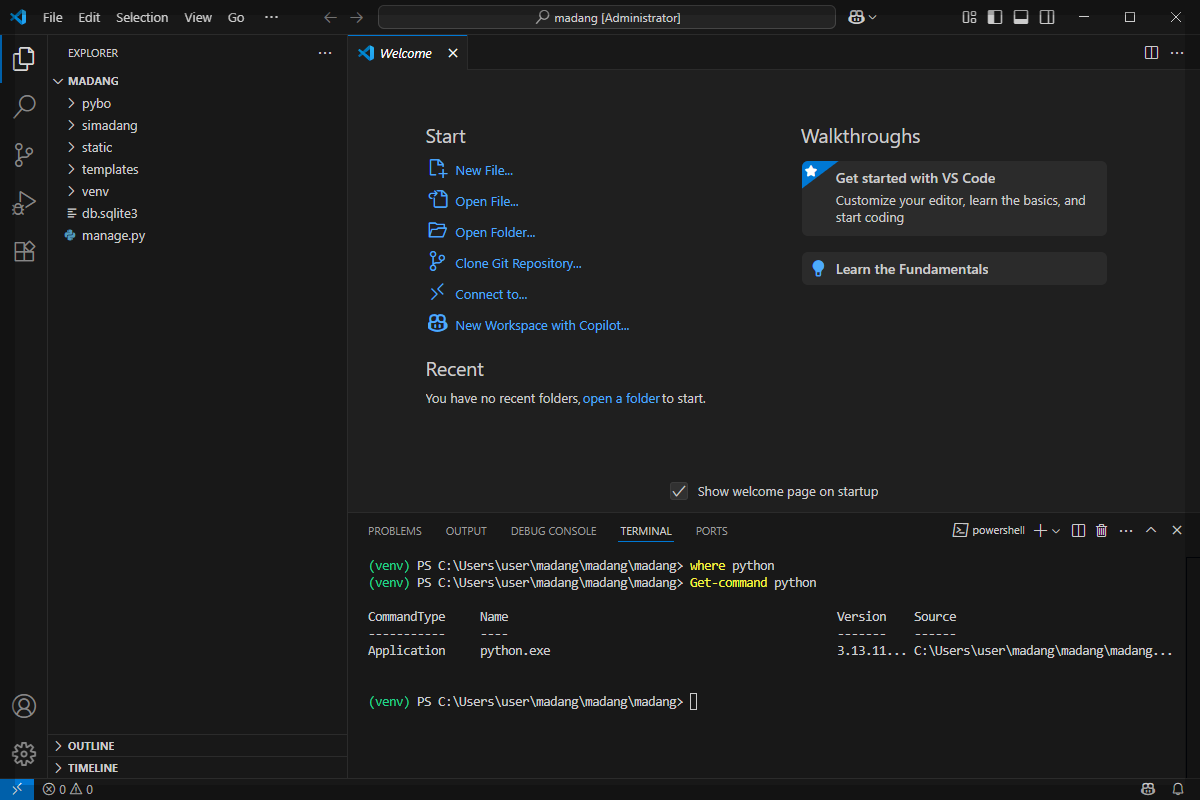
🔹 명령어
Get-Command python
🔹 출력 결과 해석:
| 항목 | 내용 |
| CommandType | Application — 외부 프로그램(실행파일 .exe)이라는 뜻입니다. |
| Name | python.exe — 실제 실행되는 프로그램의 이름입니다. |
| Version | 3.13.11... — 현재 가상환경(venv)에 설치된 Python 버전입니다. |
| Source | C:\Users\user\madang\madang\madang\... — 해당 파이썬 실행 파일 경로입니다. |
✅ 정리
- 현재 사용 중인 Python 실행 파일은 가상환경(venv) 안에 있는 python.exe입니다.
- 이 경로를 통해, VS Code에서 현재 프로젝트가 가상환경의 파이썬 인터프리터를 사용하고 있음을 알 수 있습니다.
- Get-Command는 PowerShell 명령어이며, Linux/macOS의 which와 Windows CMD의 where와 비슷한 기능입니다.
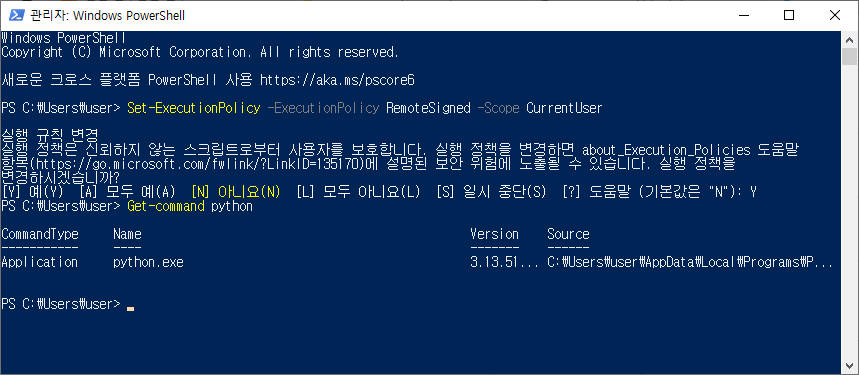
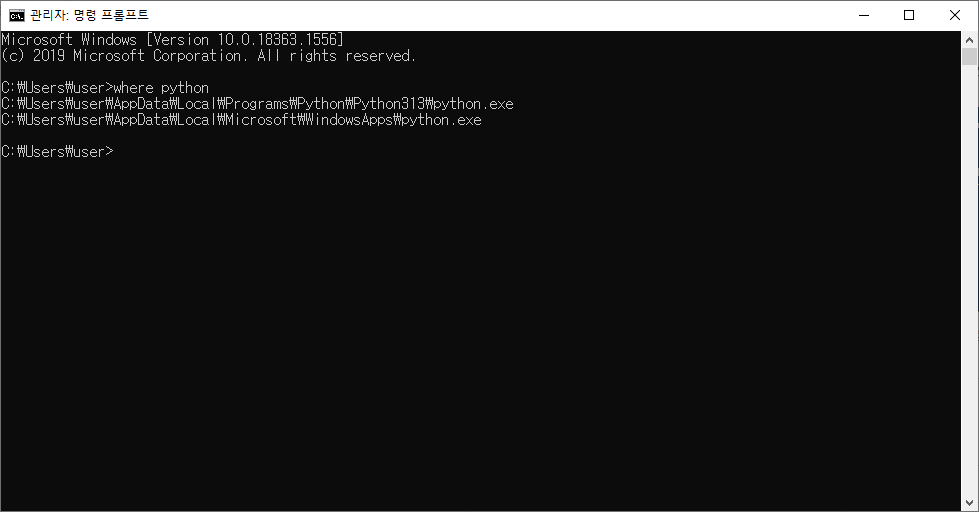
💡 참고: CMD와 PowerShell 그리고 Linux/macOS에서 파일 탐색
| 명령어 | 설명 |
| where python | Windows CMD에서 Python 경로 검색 |
| Get-Command python | PowerShell에서 Python 정보 확인 |
| which python (Linux/macOS) | Python 경로 확인 (유닉스 계열) |
반응형
'컴퓨터 활용 > 노년에 즐기는 코딩' 카테고리의 다른 글
| 아주 작은 데이터베이스, SQLite (2) | 2025.06.24 |
|---|---|
| Git 사용자 정보 설정, 전역과 지역의 차이 (5) | 2025.06.23 |
| [VSCode] Windows 보안 관련 해결 (1) | 2025.06.22 |
| 템플릿 태그 중요한 3가지: 분기, 반복, 객체 출력 (2) | 2025.06.20 |
| Django의 템플릿 태그(template tag) (3) | 2025.06.19 |


댓글